
Smartphone orienteering in and around Derby
Do you have the Urban Fox mindset and skills?
Join us for a new look for our series popular with runners since we launched it three years ago.
The first four maps are now up to print from home if you want to plan your routes. Watch out for a new format scoring for the fourth event.

What: Keen to improve your navigation and meet new people? We have planned a new series of evening events which we hope will be as successful and as popular as previous. See the poster below and put the dates in your diary!
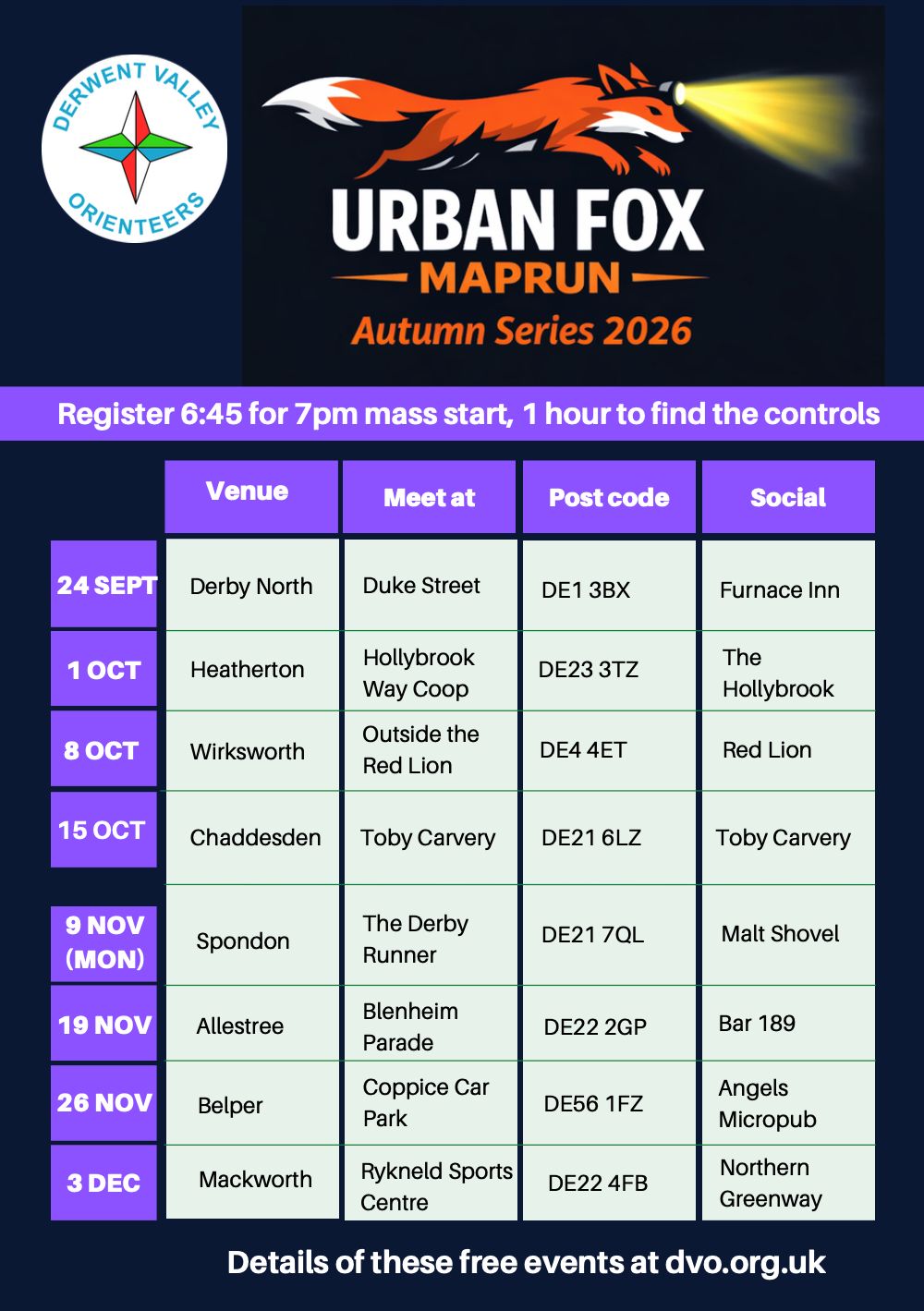
These fun and friendly hour-long sessions are accessible for all fitness and navigation abilities. And these events are free since they’re a taster for DVO’s urban and terrain events. Take part as an individual, walk or run in pairs or a larger group, and do as much as you feel able. We especially look forward to the hard-earned drink and post-run chat at each nominated social venue.
When: Nearly all events take place on Thursday evenings – our upcoming events page and the poster below contain more details.
Where: For more details on where to park and meet, see the individual event pages for each MapRun.
How it all works: We use a score format, so competitors receive points for each control site visited, and you can collect up to 35 controls. The order is up to you as long as you are back within the hour (penalty points are applied for a late return). Check out our blog of events that have previously taken place or see the blog for 2026-7 events.
Newcomers welcome: Why not take on a new challenge? Or invite your friends and relatives to get involved with the series. Help will be on hand as the club has plenty of experienced maprunners to get you started!
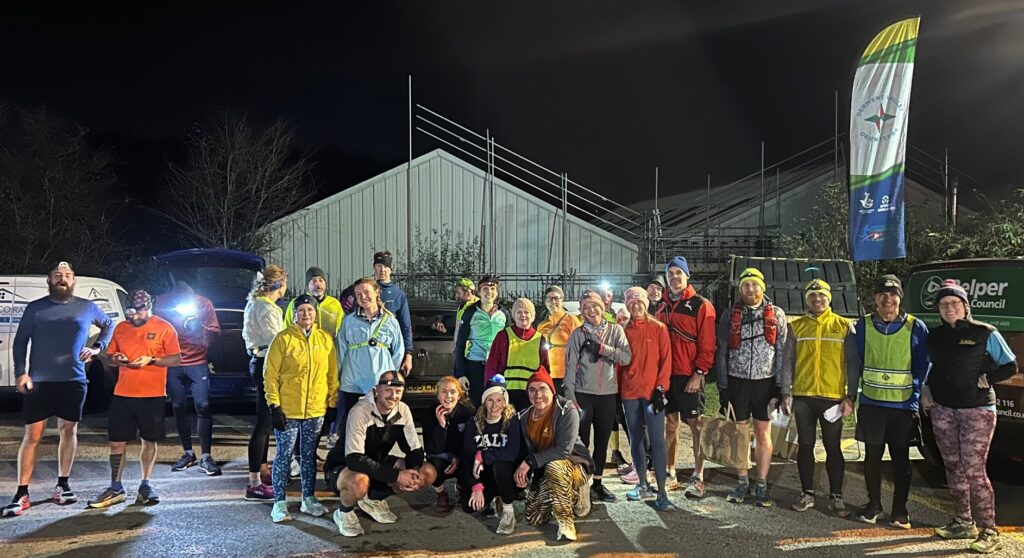
What do I need: A fully charged smartphone with downloaded MapRun app (clickable links below) and suitable high-vis clothing for navigating the roads and parks. Download the app, add your profile details, and pre-load the course in advance if you can, from the Derby Night Series folder in Derbyshire / Derwent Valley.
How do I need to set up my phone before attending the event?
- Download the MapRun app from the relevant app store (details at end of page) and fill in your profile information (for safety reasons)
- Select the map and course for the week from folder or using ‘Events Near Me’ and filtering
/UK/Derbyshire/Derwent Valley/2026-7 Urban Fox - Once at the event choose ‘Go To Start‘. The time to the mass start at 7PM will be displayed and, 10 minutes before the event you will be able to see the map as below. You will hear a beep when the event automatically starts.
- Turn your phone volume up, so you can hear a beep when you visit the control. The circle will change to green.
- Navigate to as many controls as you have time to within the hour. No problem if you are a few minutes late back, but there are penalty points as marked on the map which will reduce your score.
- Confirm your finish after a beep when you return to the finish, using the prompt on the screen – if you go through the finish during your run, you should ignore this.Any issues, we will have helpers at the event who can check, or step you through it on your phone
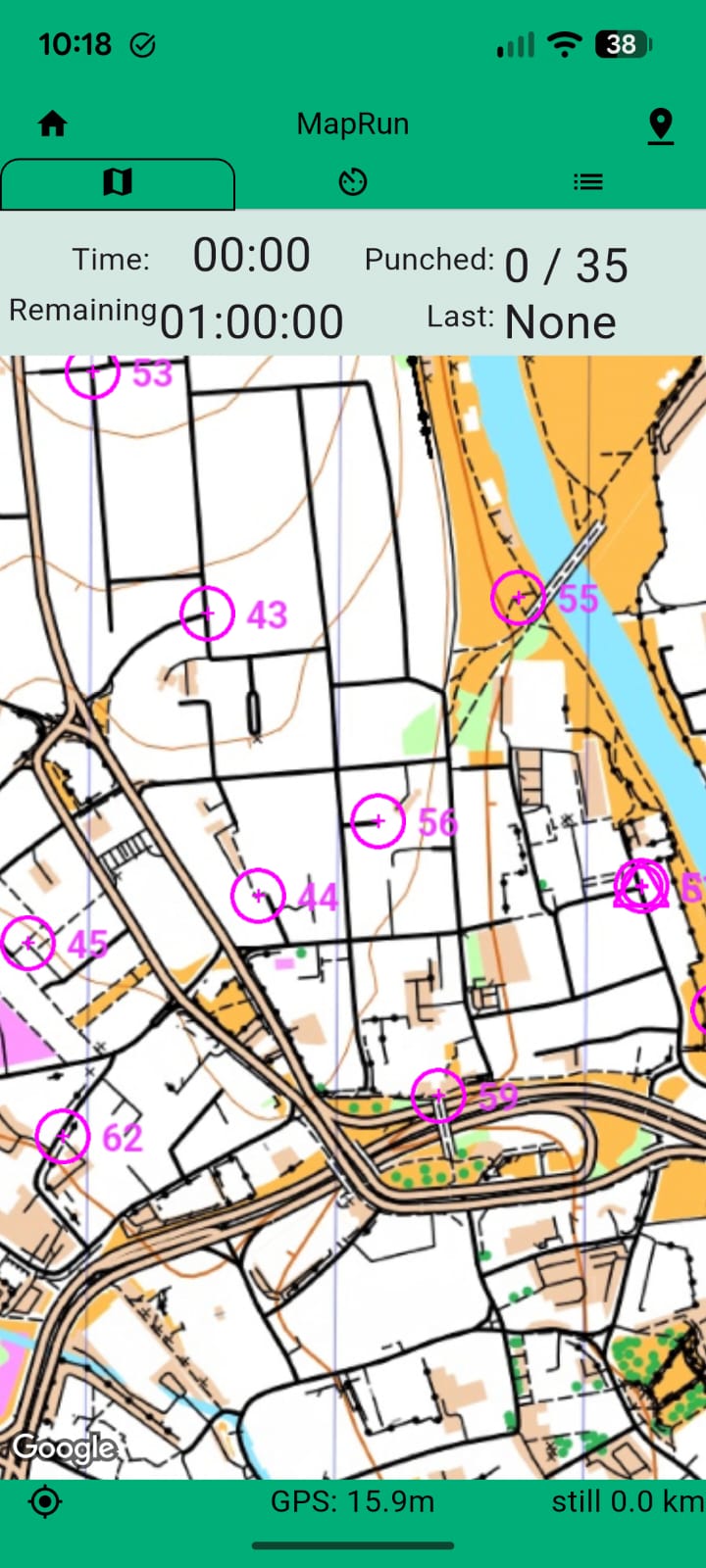
Print your map at home option: You can navigate using the MapRun map on your smartphone, but if you prefer to print out the map and plan your route, download your map here (clickable links become live when the map is ready):
- 24 Sept – Derby North
- 1 Oct – Heatherton
- 8 Oct – Wirksworth
- 15 Oct – Chaddesden – Note this event has a new score format – see bottom left after downloading
- 9 Nov – Spondon
- 19 Nov – Allestree
- 26 Nov – Belper
- 3 Dec – Mackworth – Note this event has a new score format – see bottom left after downloading
Unable to get to an event? The benefit of these smartphone-based events is that all courses will remain open 24/7 and can be used as part of your own training schedule. You can also rerun courses that you have enjoyed. Do drop us a line if you complete one of our courses!
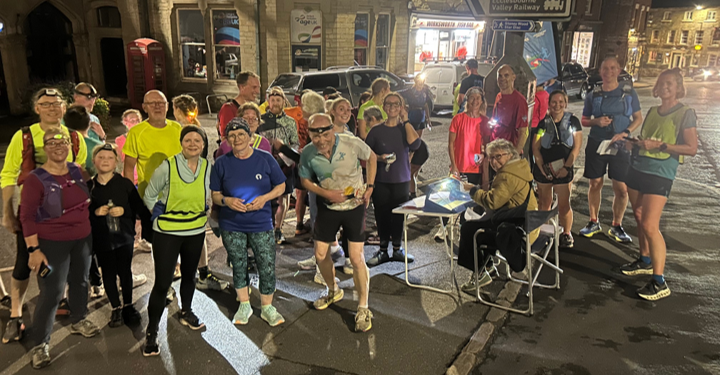
How does MapRun orienteering work? With MapRun there are no markers in place, but as you go around your course, your phone GPS will confirm each site you visit with a beep. We will explain how to use the MapRun app at the events, but to learn more, here is a quick start guide.
It’s best if you download the MapRun app (Version 7 recommended) before you go to the event and fill in your profile:
Please contact us if you have any questions.
Note that in Autumn 2026 the MapRun interface has been updated – currently only on iPhones. The main difference is to make it easier to select events on the home page. To see results, you now have to choose the ‘Saved’ icon, bottom right.